Skip to content
Planning · Investments · KiwiSaver · Insurance

The connected advice platform for New Zealand financial advisers.

Client records, planning and modelling, advice documents, workflows and reviews in one place, with an AI assistant that works under your control.

Available by invitation to New Zealand advice firms. Request a demo to explore suitability and access.

Planner / Ask
Ask the planner a question. It changes the plan, reruns it and explains what moved.
  • Financial planning
  • Investments
  • KiwiSaver
  • Insurance
  • Retirement
  • Statements of Advice
  • Annual reviews
  • Client onboarding

The platform

Five connected parts, one client record.

01AI assistant

Start the day with the work already lined up.

The morning brief reads your diary, inbox and tasks, then lays out what needs you today, with one-click next steps. Ask anything else about a client and the answer comes from their file.
  • Works in the planner and the SOA editor
  • Drafts advice documents and strategy decks
  • Asks before it changes a record
AI assistant
Dashboard / Morning brief
The morning brief, built by the assistant from your diary, inbox and tasks.

02Planning & modelling

Model the whole household in one planner.

Income, KiwiSaver, property, debt and goals on one timeline, with 1,000 market simulations behind every chance of success.
  • Life events drive the plan
  • Compare status quo and recommendation
  • Stress-test and solve for a target
Planning & modelling
Planner / Status quo
Status quo to timeline in under a minute.

03Client CRM

One record for the whole relationship.

Members, assets, insurance, risk profile, documents, meetings and tasks for each client group, with an AI summary of what to talk about next.
  • Prospects, inbox and interactions in one place
  • Meeting transcripts and notes on the file
  • Practice-wide document library
Client CRM
Groups / Peter & Kiri Carston
One client record holds every part of the relationship.

04Documents & signing

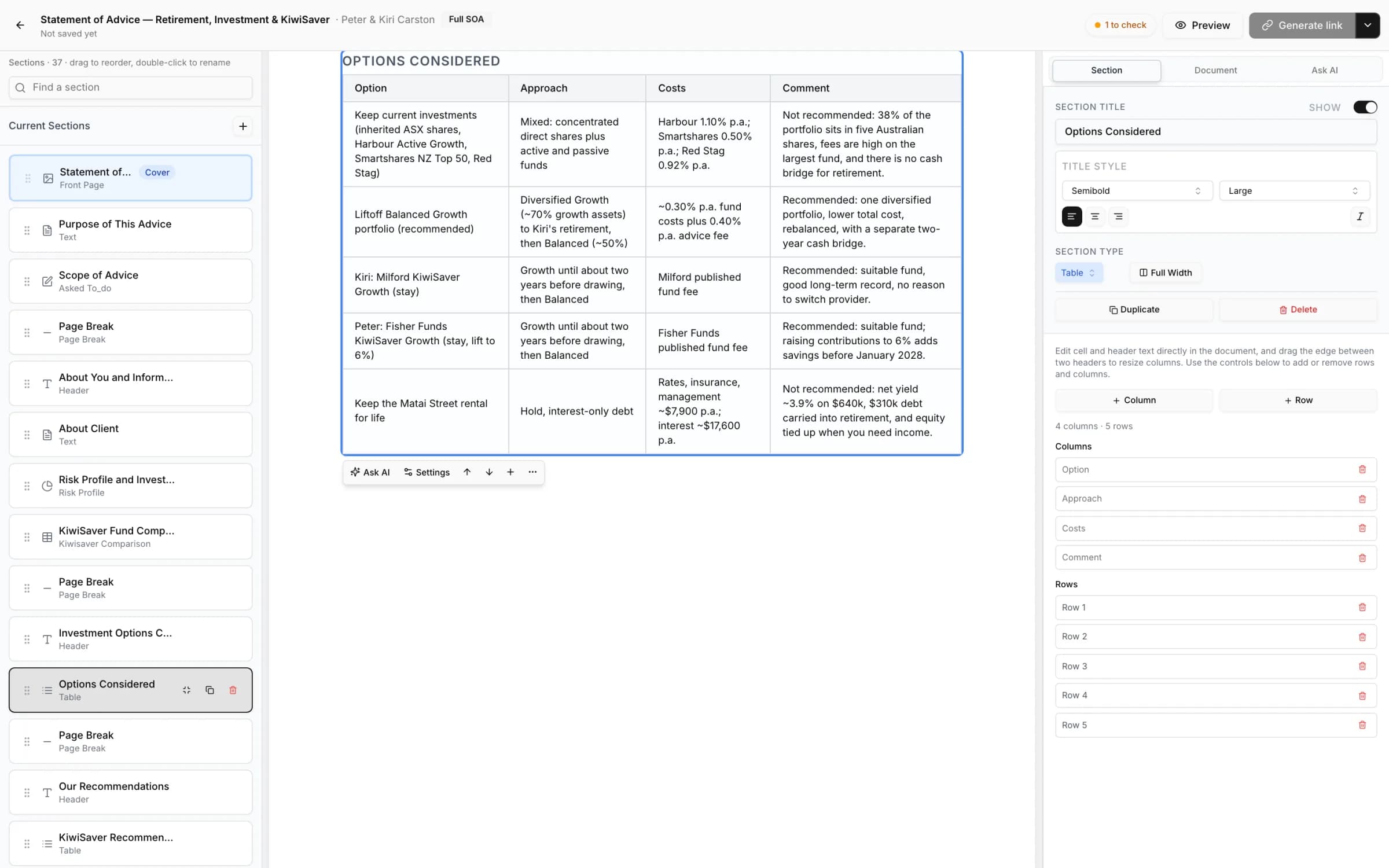
Statements of Advice built from the plan.

Sections, tables and charts come from the client's records and chosen scenarios. You edit, check and issue, and clients read and sign from a secure link.
  • Statements of Advice and strategy briefs
  • Terms of Engagement and third-party authorities
  • Discovery and risk profiler forms
Documents & signing
SOA editor / Peter & Kiri Carston
Statement of Advice editor with the section list, the options considered table and section settings

05Workflows & practice

Every client's next step, across the practice.

Workflows track each piece of advice from discovery to implementation, with phases, tasks and reviews in one pipeline.
  • Review cycles started from what is on file
  • Insurance work tracked alongside advice
  • Practice reporting on clients and book
Workflows & practice
Workflows

Advice areas

Planning, investments, KiwiSaver and insurance advice.

Wealthie supports the four areas NZ advisers work in, on the same client record, so each piece of advice builds on the last.
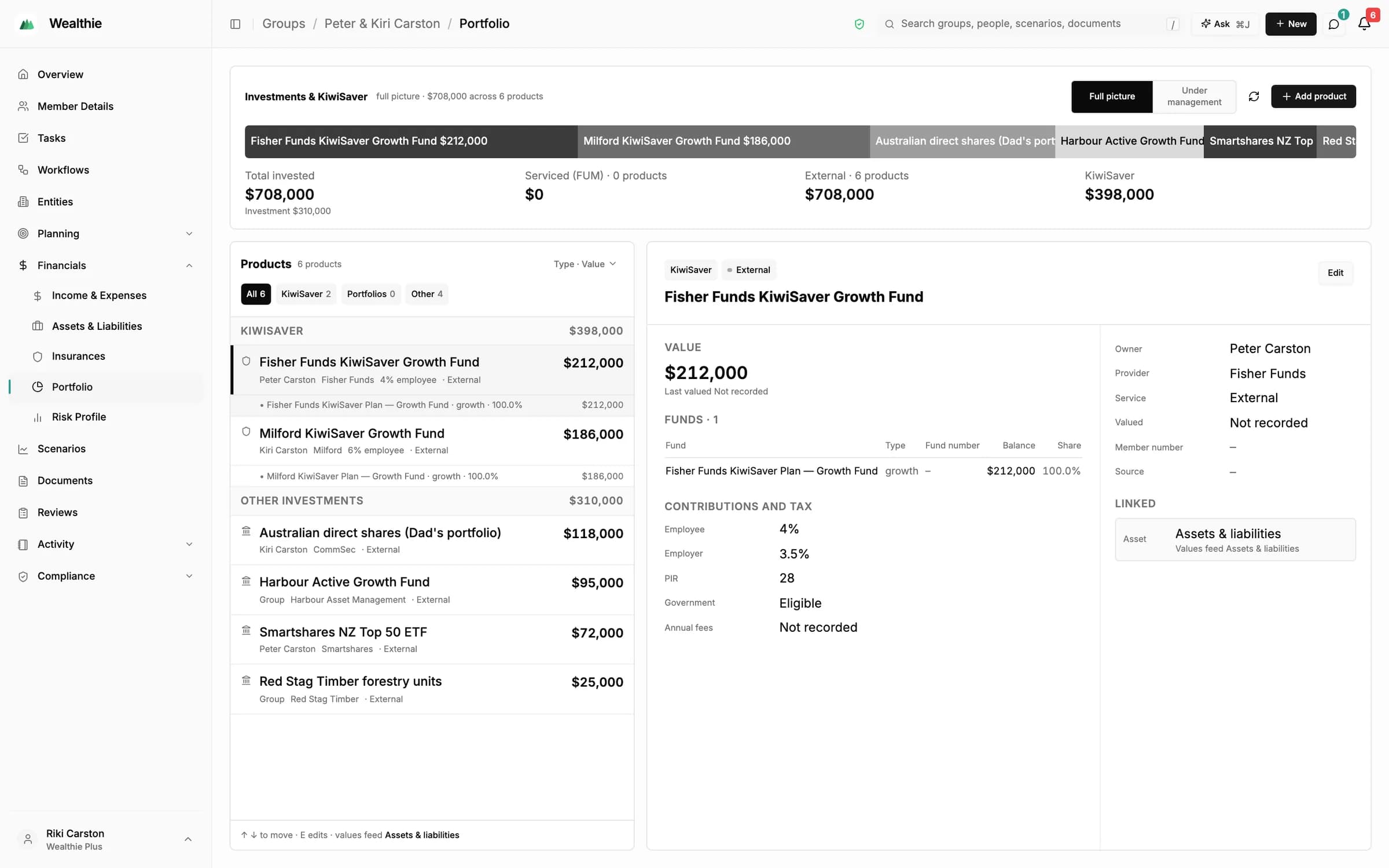
Groups / Peter & Kiri Carston / Portfolio
Investments and KiwiSaver portfolio with products, fund detail, contributions and linked records
  1. 01

    Planning

    Retirement, property and goals modelled on one timeline, with scenarios you can compare, stress-test and solve for a target. Planning & modelling
  2. 02

    Investments

    Portfolios, funds and contributions on the client record, with a risk profile and recommended growth asset allocation to advise against. Client records
  3. 03

    KiwiSaver

    KiwiSaver balances and contributions in the plan, and fund data from the Disclose Register for side-by-side comparison. Never a projection or ranking.
  4. 04

    Insurance

    Policies grouped by person, needs workings, and side-by-side quotes from NZ insurers, kept on the client's file. Insurance

One client journey, start to review

Every step uses the same client group, so the same records carry through.
  1. Collect context

    Forms, meetings, email and notes build the record.
  2. Set the status quo

    Build a scenario from the group's records.
  3. Explore scenarios

    Life events, comparisons, solver and stress tests.
  4. Prepare advice

    Guided Statement of Advice drafts for your review.
  5. Implement

    Workflows track phases, tasks, signing and providers.
  6. Review

    Start reviews from what is already on file.

Client experience

Clean, branded links for clients.

Clients read, fill in and sign on their phone. No log-in, and every link is tied to their group. Client experience
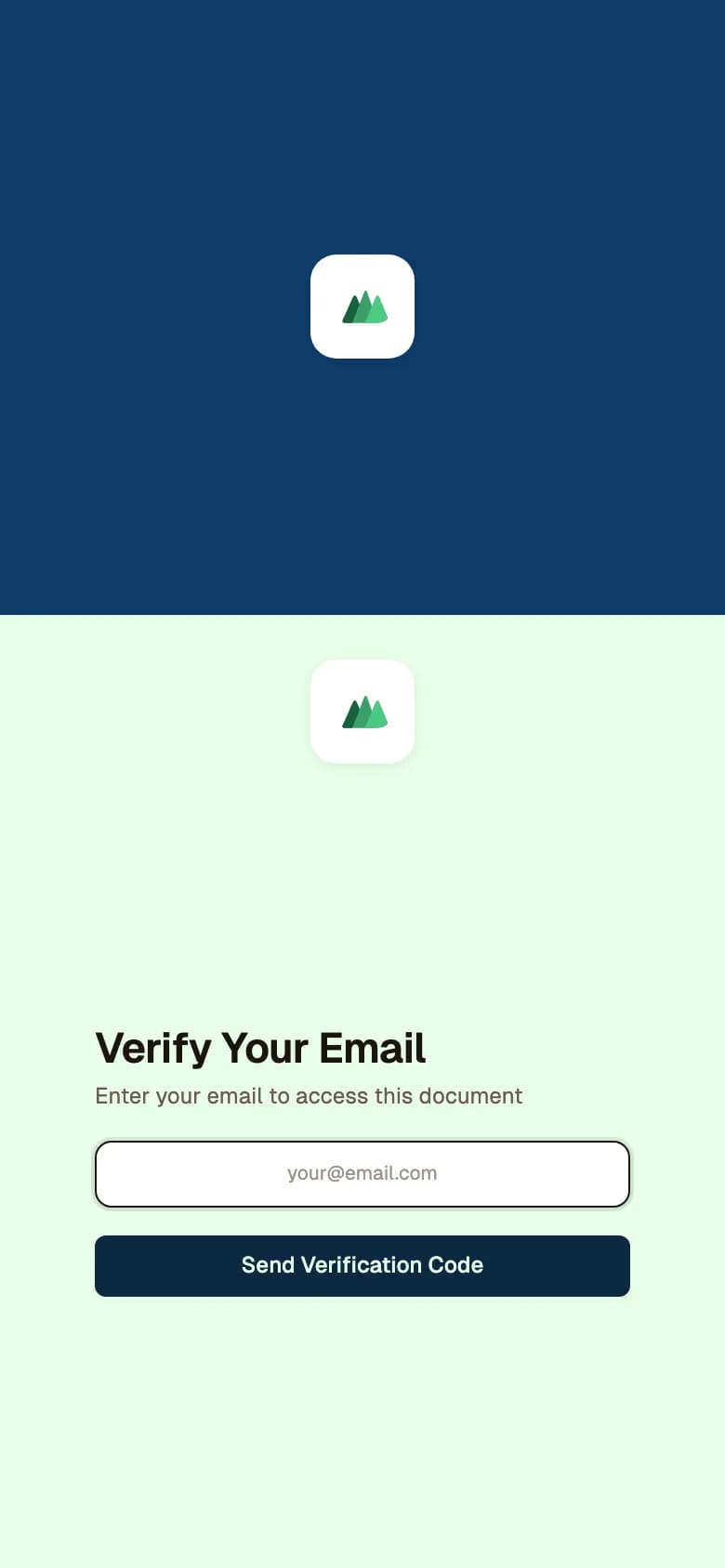
A client opening their Statement of Advice link verifies their email with a one-time code first
1. Secure link
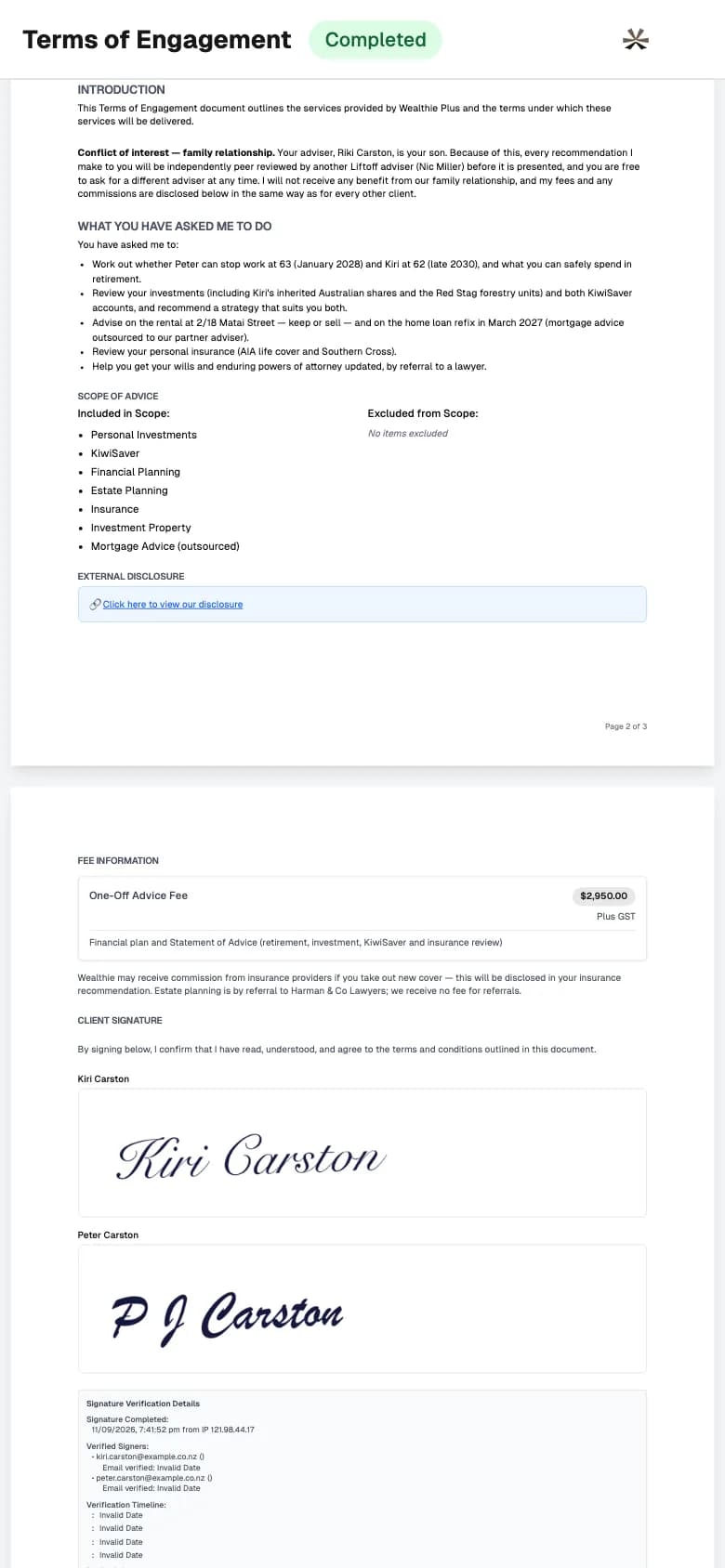
Terms of Engagement signed by both clients on a phone, with the signature verification record
2. Read and sign
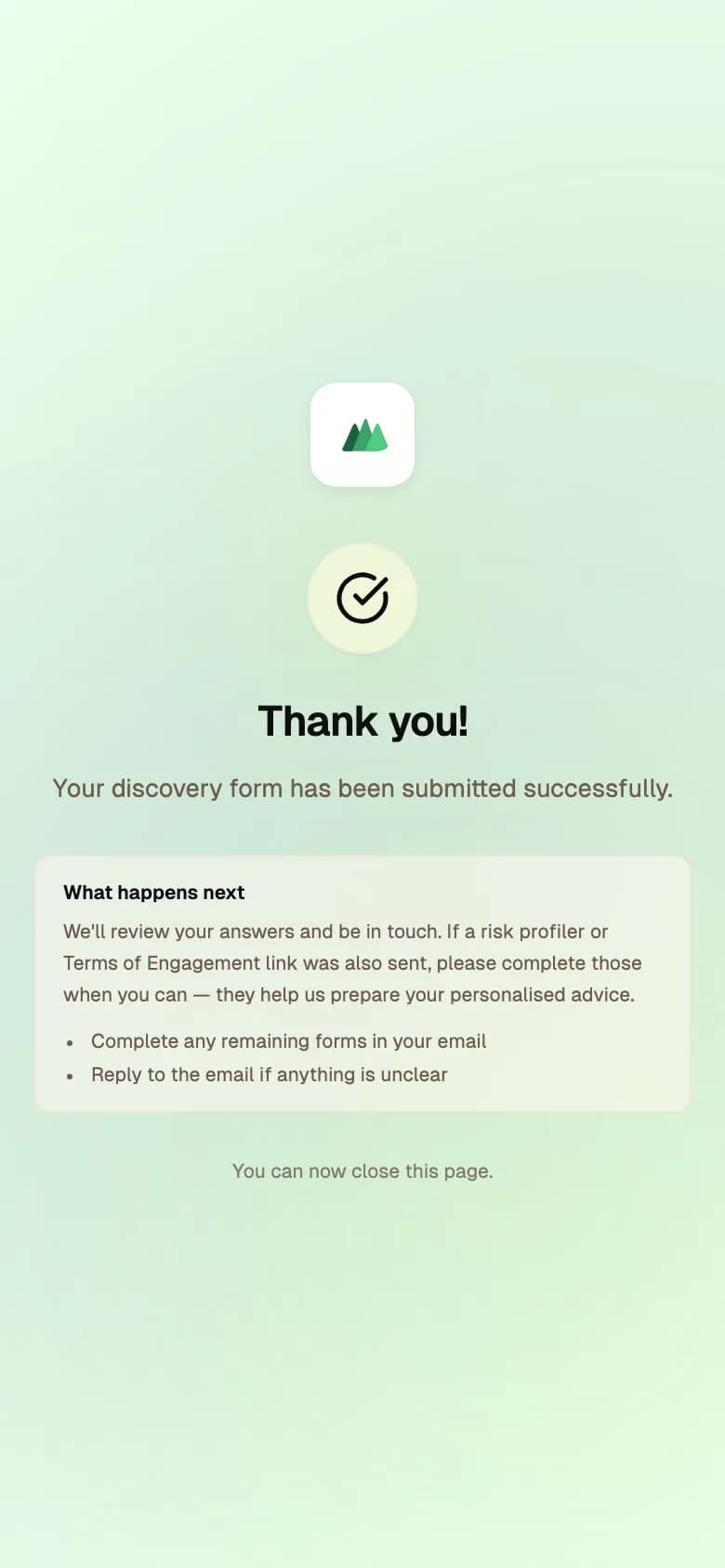
The confirmation a client sees after submitting their discovery form, with what happens next
3. Done

You stay in control

Built around adviser decisions

Asks before changes
The assistant asks before changing records unless you choose otherwise. Some actions always ask.
Drafts stay private
Drafts never reach clients until you issue them.
Issued documents are fixed
Issued documents are snapshots; revisions create a new draft.
Adviser responsibility
Wealthie supports the work; the adviser remains responsible for the advice.

See how Wealthie fits your firm

Available by invitation to New Zealand advice firms. Request a demo to explore suitability and access.